

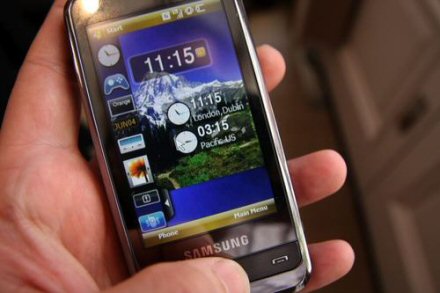
for lock screen after call established setting go to POWER/CALLING to config
Screen will be lock when call is made, 10sec later it will off LCD
by default the front panel buttons will wake up the device but u can set at BUTTONS/WAKE UP for any button or just power button
U can also set to lock when the device is woken up
Flashlight option is off by default, go to setting BUTTONS/FLASH LIGHT to enable it
Press and Hold Volume UP for ZOOM IN/OUT at any application
Press and Hold Volume DOWN for FLASH LIGHT
Press and Hold Reject Button for LOCK DEVICE
by default the device is set to AUTO ADJUST BRIGHTNESS u can set to manual instead.


0 komentar:
Post a Comment